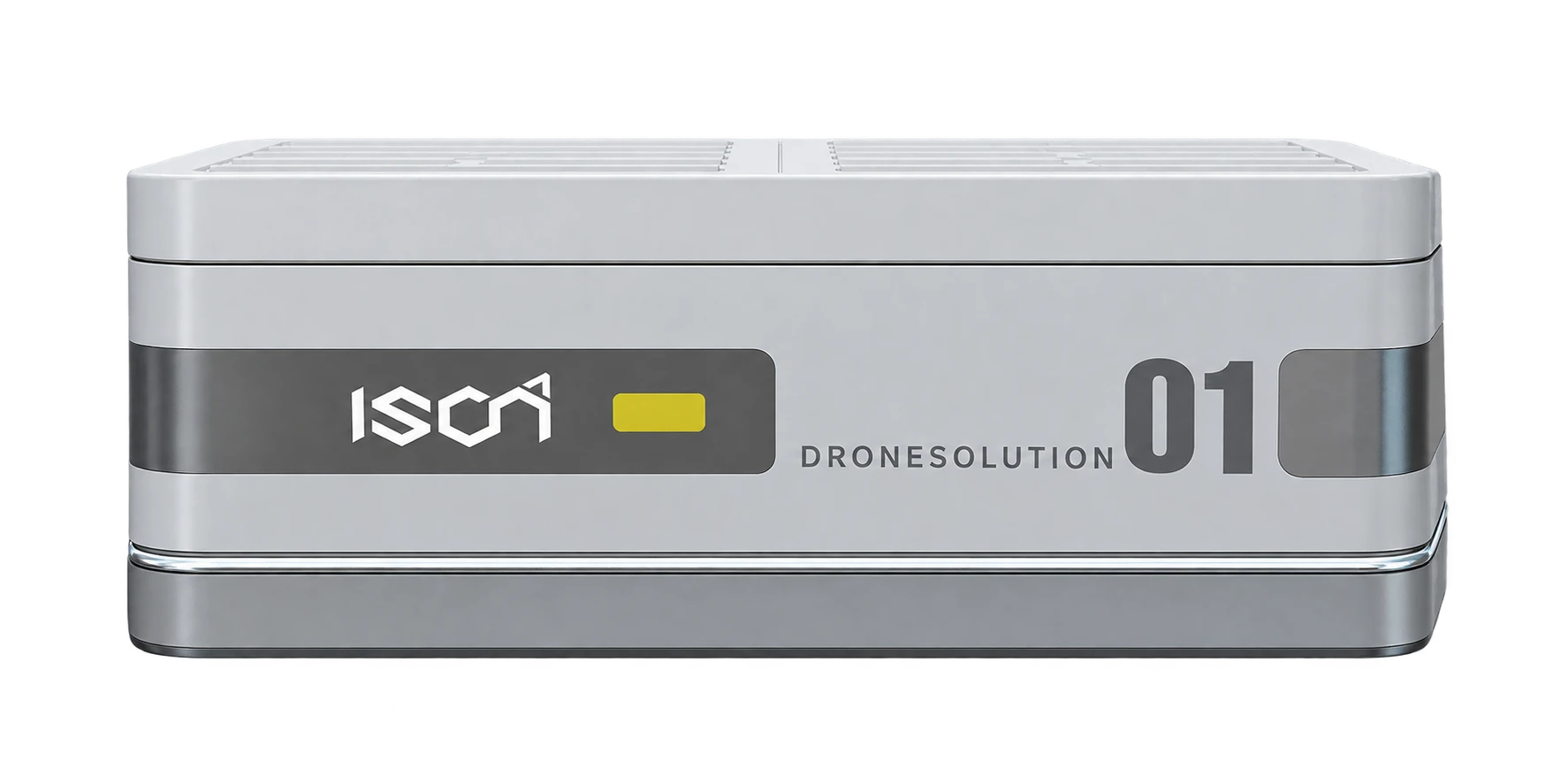
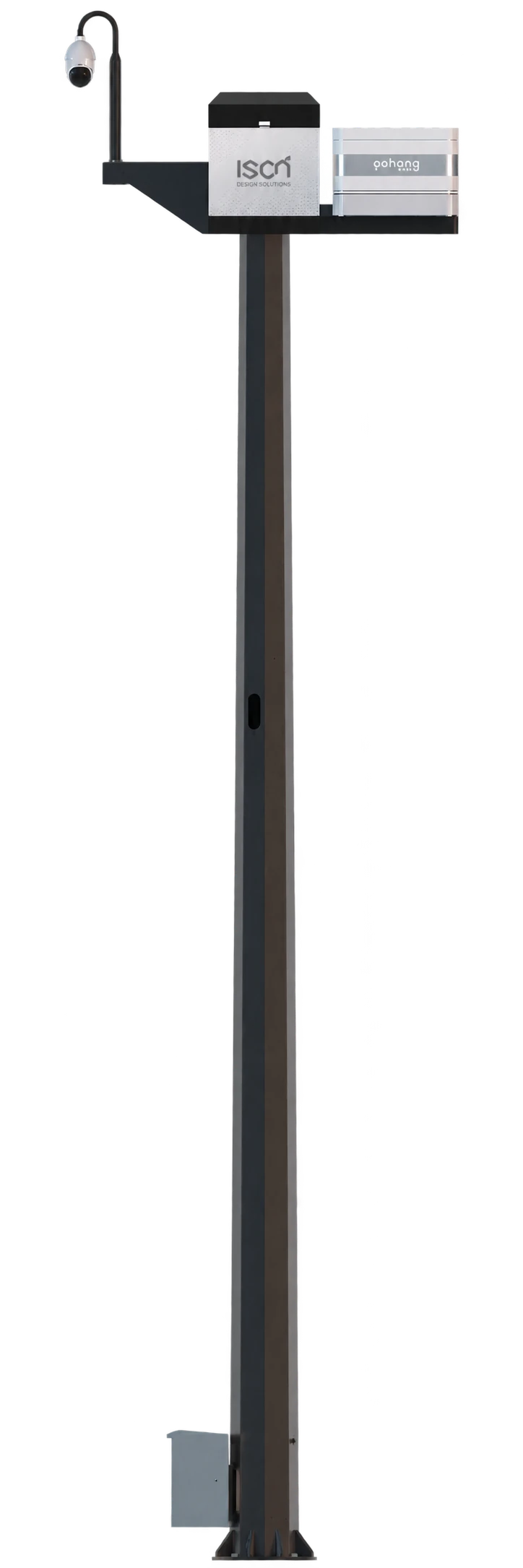
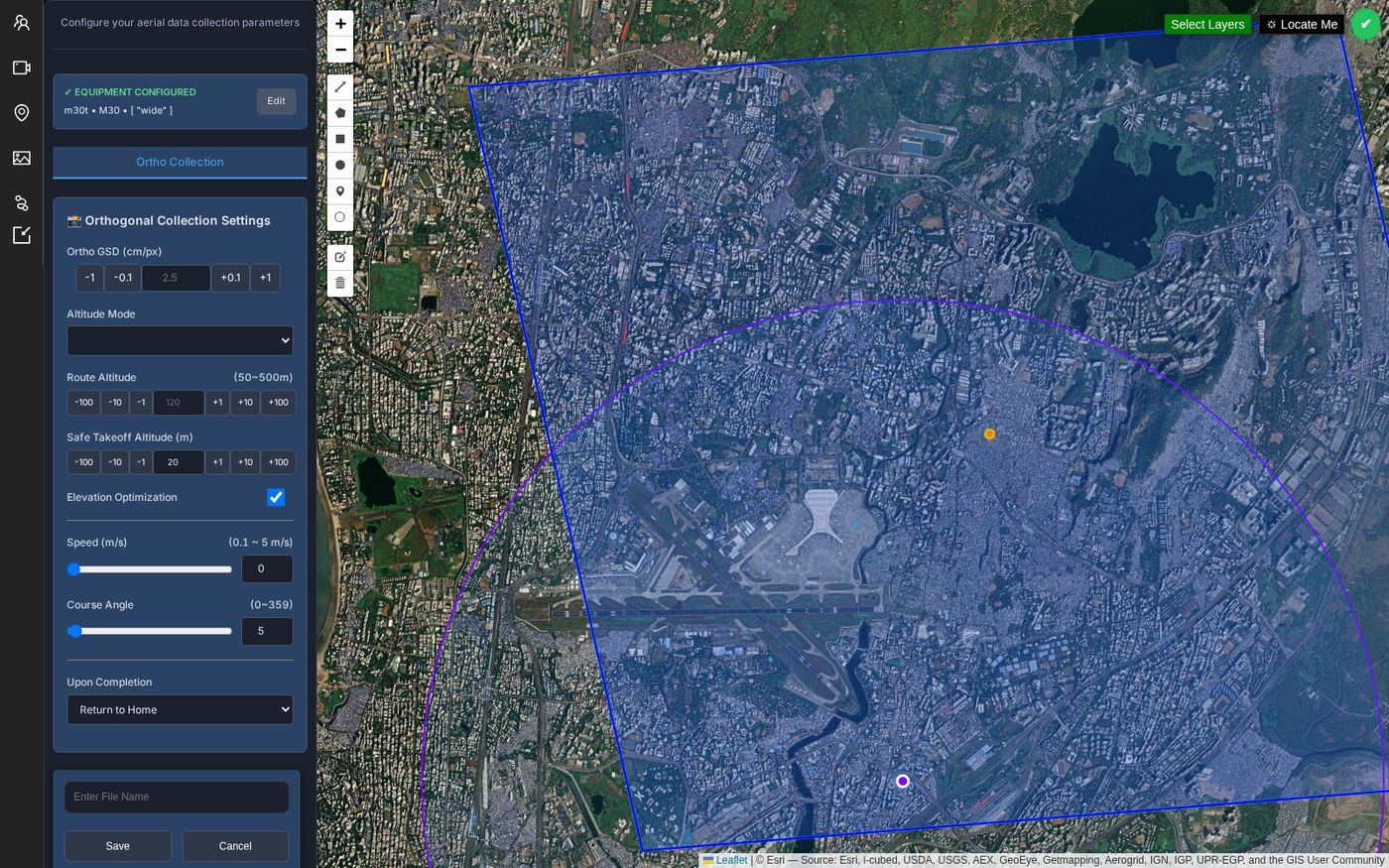
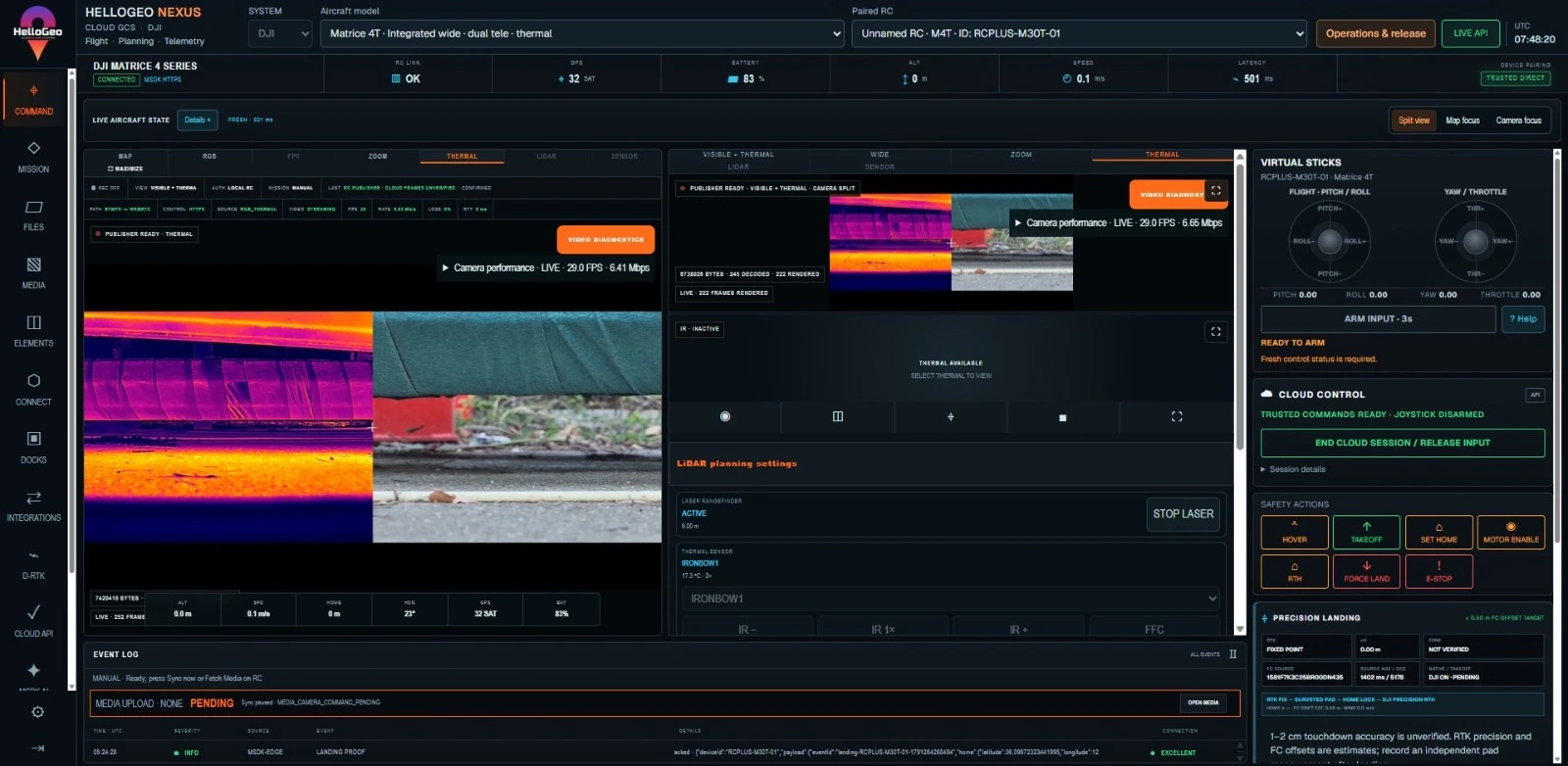
Attached station · ready for a Command Center signal
Connected workspaceIllustrative sample outputs
Selected capabilities stay visible throughout the walkthroughYour connected workspace
Select equipment and modules to see their proposed data hand-offs.
Choose hardware to begin
Whole site · choose a resource to look closer
HELLOGEO / EXPERIENCE ZONE
Experience Zone
INTERACTIVE SIMULATION
Connected campusSelect equipment in the scene to inspect or operate it
WGS84 concept origin · 28.55620, 77.10000Asset anchors only · artwork not to scale
Ready to exploreSelect an asset to inspect or command it.
0%
CONNECTED DATA / HELLOGEO SUITE
Capture. Process. Understand.
Configure your payloads, run collection and processing, then review the outputs supported by your selected data.
INTERACTIVE SAMPLE
1Select dataChoose a sample or your sources
2Run the workflowCollect and transfer the data
3Watch Suite processFollow each stage and its status
4Review & downloadCheck quality and export your report
Start with a sample
PAYLOAD EXPLORER
One workflow. Every data type.
Choose a payload, qualify its sensor, then follow collection through to your report.
Applies to the first selected aircraft and adds HelloGeo Suite. A standalone aircraft is added only when none is selected. Configure each source independently below. Hardware compatibility requires project qualification.
01 / SELECT DATA
Your connected sources
0 selected
Choose each payload and sensor independently. Expand collection checks to review calibration and band requirements.
Choose a sample above to load its sources, or configure your own data below.
Configure sources & environment
Editable sample assumptions. These values are not live weather or flight clearance.
02 / RUN & WATCH
Follow the data through Suite
Choose a sample above, then run the workflow to begin.
NOW
Waiting to run
Choose a sample, then start the workflow.
Source collection and transfer happen before Suite processing.
An illustrative sequence from your selection. Review the inputs and proposed outputs below.
A connected inspection workflow, from mission planning to spatial review.
READY TO EXPLORE
Process & planning detail +
FOLLOW THE DIRECTION OF WORK⟶ Proposed information hand-off
01 / 05
Plan with Nexus
Bring mission geometry, terrain and operational context into the plan.
Nexus→Drone Station
Bring in
Site boundary, mission requirements and terrain context.
Proposed output
Mission geometry and a capture plan for operational review.
Choose a step or press Play. Each arrow follows the proposed sequence.
Illustrative workflow concept. No aircraft, sensors or production systems are connected. Integrations and deployment scope require qualification.
A LITTLE GUIDANCE FOR YOUR NEXT MOVE
What could your workflow need?
Suggested capability requests for your energy scenario. You decide what belongs in your brief.
Suggestions follow your environment and unselected capability requests. Adding a request includes its listed modules; feasibility and scope are confirmed with the team.
THE COMPLETE SEQUENCEExplore every hand-off+
03 / FOLLOW THE HAND-OFF
A workflow with fewer loose ends.
Give mission plans, field observations and spatial evidence a shared context.
The connections shown are a solution concept, not a guarantee that every integration is available out of the box.
GO ONE LEVEL DEEPER
Now shape the mission.
Explore route spacing, path length and coverage using the existing local geometry demonstration.
IDEAS INTO OPERATIONS / 01
Change the plan. See the difference.
Explore how a survey route, an inspection circuit and a field survey take shape. Adjust the spacing. Watch the geometry respond.
LOCAL COORDINATE MODEL
Planned routeCapture samples
01 / SURVEY ROUTE
Coverage, by design.
A parallel survey pattern across a 220 × 140 m site. Tighter lines add distance and capture samples.
10 m50 m
Capture sample interval: 10 m along the route.
Site area
3.08 ha
Route length
1,900 m
Capture samples
191
Traversal at 5 m/s
6 min 20 s
0%
Playback ×12. Estimate excludes turns, setup and capture dwell.
FIELD TO FINISHED MAP
Point & Capture
SYNTHETIC DEMOLayers
Measure the reference. Anchor the result.Point records GNSS positions; it does not capture aerial imagery.
One connected workflowTwo inputs → one map · select a module
Illustrative demo · synthetic coordinates and accuracy · no live receiver or image processing.
YOUR SOLUTION / PRODUCT STACK
Build your product stack.
Start with an outcome, then refine your products and Suite preferences. Every choice stays connected to your solution brief.
01 / CHOOSE YOUR OUTCOMES
What should your project deliver?
0 selected
01Survey
02Processing
03Decision
No capabilities match. Try another search or category.
Selecting a capability adds its listed modules. Removing a required module removes the linked capabilities, with an explanation here.
02 / REFINE THE SUITEImages, annotation & retentionMonthly · 500 images per project+
HELLOGEO SUITE
Your processing preferences.
Bring the choices from our shop into your solution brief. Processing volume, annotation and image retention stay visible from here to enquiry.
A requested volume for scoping, not a published plan allowance.
Enter a whole number from 100 to 10,000,000 before sharing this configuration.
ViewerIncluded in the Suite configurationIncluded ✓
Final plan capacity, image retention, availability and charges are confirmed with your quotation. No feature-level price or saving is assumed. Added modules use the editable illustrative assumptions below.
03 / COMPLETE YOUR STACKBrowse the product catalogue+
KEEP YOUR COMPLETE SELECTION
Add exactly what you need.
Catalogue selections add the product to your brief. Costs and savings remain in the separate planning model.
Choose a product to add it. Removing a selected product also removes any workflow capability that requires it.
No products match this search.
No additional products selected.
YOUR SOLUTION / REVIEW & DOWNLOADS
Your solution, ready to share.
A personalized solution study, your selected products and the original technical references — together in one place.
YOUR DOWNLOAD DESK
The configuration you built.
HelloGeo Nexus, Drone Station, Point, MetaSync, GIS Suite and AI GIS.
0Products
0Workflow modules
0Equipment choices
0Control platforms
HELLOGEO / SOLUTION STUDYYour proposed solutionConfigured by youPROJECT BRIEF ↗
Your HelloGeo solution study
Your product stack, site setup, control routes, requested outputs and editable planning assumptions, captured in one PDF.
Share links retain products, modules, capabilities, Suite and deployment choices. Edited financial assumptions are captured in your PDF, not in the link.
Use these prompts to turn your concept into a project the team can assess.
Share this brief to qualify the data, deployment and integration scope.
Solution brief / ready to discuss
OPTIONAL / BUSINESS CASEReview your planning assumptions & ROI+
Explore the economics. Keep every assumption visible.
Model the time your selected modules could save, then compare that value with your assumed investment and recurring costs.
All starting values and outputs are illustrative planning assumptions. These are not HelloGeo product prices, quotations or measured customer outcomes.
ILLUSTRATIVE TIME MODEL
—labour hours saved per job
Time savings are capped at baseline hours per job.
Illustrative net annual saving
—
Illustrative initial investment
—
Illustrative annual module costs
—
Illustrative simple payback
—
Illustrative net benefit · 3 years
—
Illustrative net ROI · 3 years
—
Current annual workflow cost—
Proposed annual workflow cost—
Show the model, limits and exclusions
Saved hours per job = the smaller of baseline hours and the sum of selected modules’ incremental hours saved. A cap prevents total saved time exceeding the job’s labour hours; you must still avoid assigning the same task saving to more than one module.
Current annual cost = jobs × (baseline labour hours × hourly cost + other direct costs). Proposed annual cost = jobs × (remaining labour hours × hourly cost + other direct costs) + selected modules’ annual costs. Other direct costs are held equal for both approaches.
Net annual saving = current annual cost − proposed annual cost. Initial investment is the sum of selected module investments. Simple payback = initial investment ÷ positive net annual saving; there is no payback when annual savings are not positive.
Net benefit over the horizon = net annual saving × years − initial investment. Net ROI = net benefit ÷ initial investment × 100. If initial investment is zero, the ROI ratio is undefined. Negative returns remain visible.
The model assumes saved labour hours translate into avoided cost or usable capacity valued at the entered hourly rate. It excludes financing, tax, depreciation, inflation, discounting, residual value, transition disruption and changing demand. No operational or financial outcome is guaranteed.