
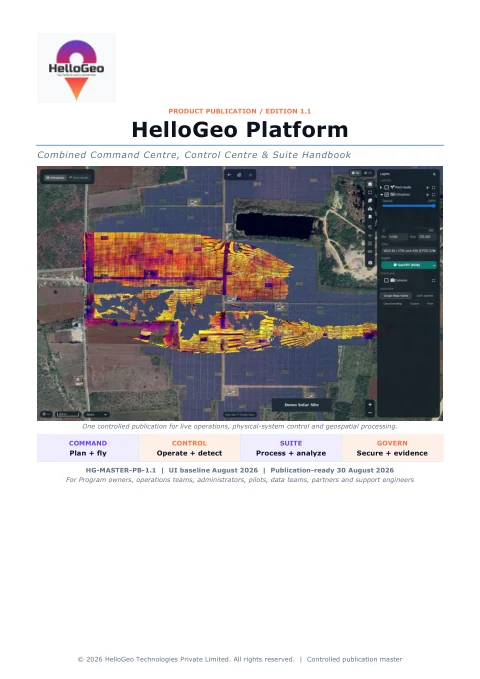
Platform PDF / 1.1
Platform combined handbook
One reference across Command Centre, Control Centre and Suite, including hand-offs, operational evidence and governance.
Product guides, technical context and practical notes for the next conversation with your team.
PRACTICAL DATA GUIDES
Understand sensor files, satellite bands, LiDAR measurements and image capture before building your project.
Plan RGB, multispectral, hyperspectral, thermal and LiDAR data handoffs for HelloGeo Suite, with MicaSense, Parrot and other OEM qualification guidance.
Read the guide ↗Satellite processing guidePrepare Sentinel-2 SAFE and JP2 or licensed satellite GeoTIFF imagery for band-aware indices, land-cover, water and change workflows in HelloGeo Suite.
Read the guide ↗Point-cloud and measurement guidePlan LAS/LAZ terrain processing, point-cloud filtering, optional AI classification and reviewed cut/fill measurements with HelloGeo Suite.
Read the guide ↗Photogrammetry workflow guidePlan high-resolution RGB imagery, oblique capture and extracted video-frame photogrammetry with quality checks and processing-node requirements.
Read the guide ↗THE TECHNICAL SHELF
From the first field point to the control room. Explore the original HelloGeo publications and take the right reference with you.
10 publications 223 pages of product guidance
10 publications available
Platform PDF / 1.1
One reference across Command Centre, Control Centre and Suite, including hand-offs, operational evidence and governance.
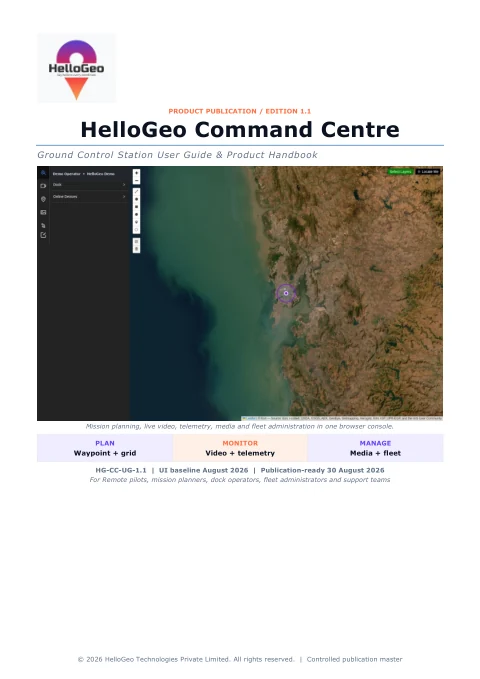
Command Centre PDF / 1.1
Browser GCS reference for mission planning, dock and aircraft context, video, captured media and fleet administration.
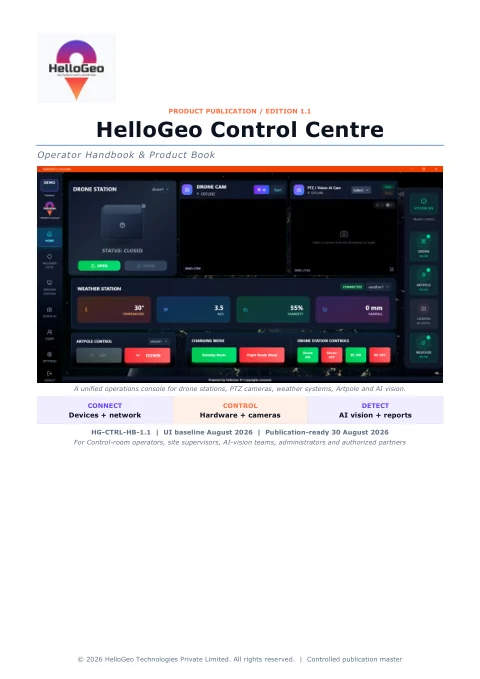
Control Centre PDF / 1.1
Operations reference for configured Drone Station, Artpole, PTZ and weather devices, plus camera AI workflows and evidence.
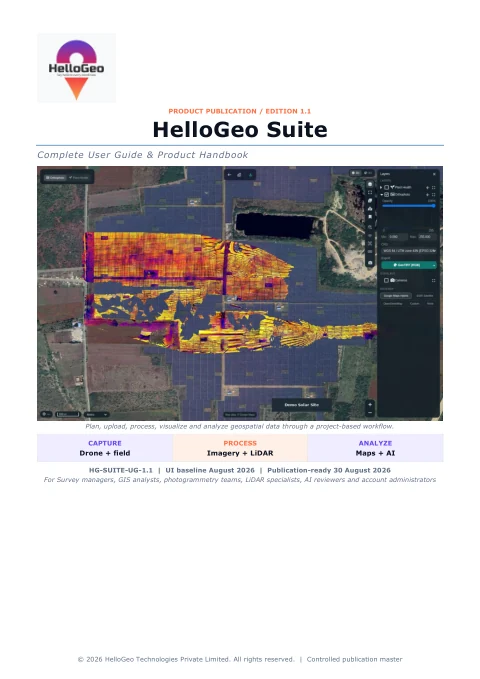
Suite & GIS PDF / 1.1
Project-based imagery and LiDAR processing, map review, GCPs, field-media hand-off, AI annotations and delivery quality checks.
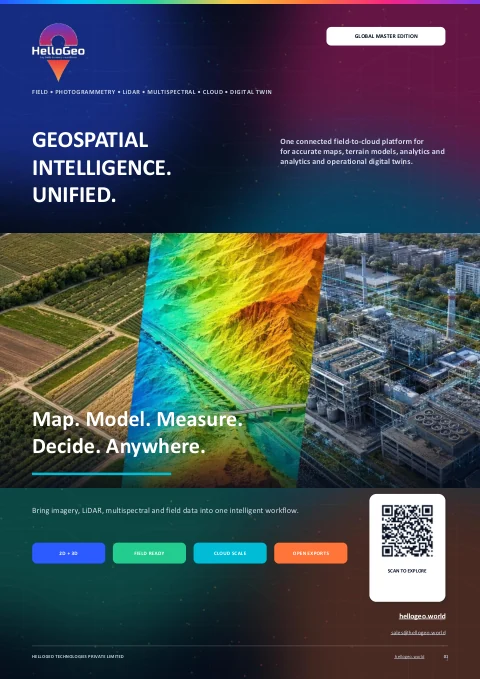
Suite & GIS PDF / 2026
A visual field-to-cloud overview of imagery, LiDAR, multispectral workflows, geospatial deliverables and digital-twin use cases.
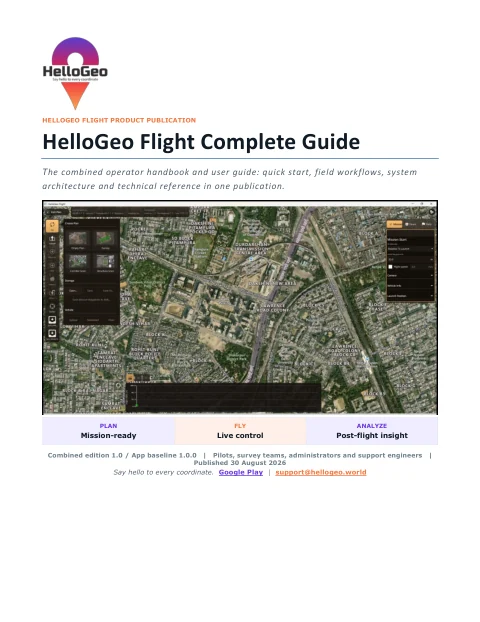
Flight PDF / 1.0
The combined operator and technical edition: access, mission planning, GeoFence, live monitoring, evidence and engineering reference.
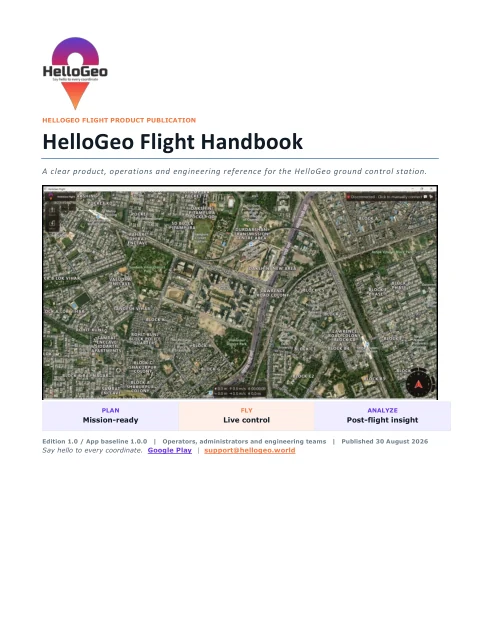
Flight PDF / 1.0
A compact product and engineering reference for the GCS architecture, field workflow, diagnostics and release gates.
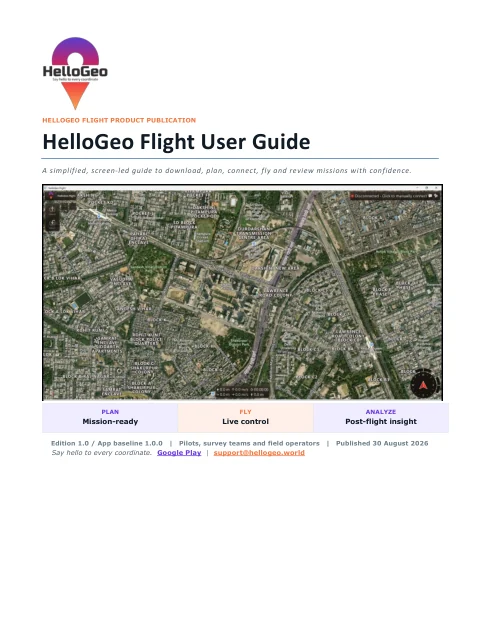
Flight PDF / 1.0
A screen-led route from first launch and aircraft connection to mission review, GeoFence, rally points and post-flight records.
MetaSync & Point PDF / 1.0
Field instructions for GNSS or RTK capture, compatible receivers, corrections, Collections, media, sync and export.
MetaSync & Point PDF / 1.0
Architecture and integration reference covering GNSS observations, NTRIP, data semantics, synchronization, privacy and baseline limitations.
Try a broader term or clear the filters to see every publication.
Edition numbers identify these publications. Product screens and app versions reflect each document’s stated baseline; confirm the current configuration for your project. Publication content is preserved; downloads use lossless compression.
Five pages covering structure planning, mission libraries, operational review, aircraft profiles and deployment requirements.
Download product guide ↓ Download one-page brief ↓Explore the product catalogue and related operational handbooks, with exact deployment qualification kept in context.
Browse product detailsExplore mission geometry and the flow from field observation to project context.
Open experience labDJI, Autel multirotor, Dragonfish VTOL and the Pixhawk / Flight pathway, with deployment qualification context.
Explore the profile catalogue ↗Why a useful field record needs more than coordinates.
Read the noteWhat to define before introducing a drone station.
Read the noteConnect visualisation with data, purpose and evidence.
Read the noteThe 11 products in the official HelloGeo.world catalogue have been aligned to its current published descriptions and feature groups. Nexus, Point, MetaSync and the newer workspaces use their separate product documentation.
No. Planning/profile coverage and field qualification are different. The selected aircraft, controller, firmware and payload must be assessed together for the deployment.
No. The lab is a browser-local demonstration. Its route length and duration are calculated from illustrative geometry and assumptions. No aircraft or production telemetry is connected.
Yes. The original user guides, technical handbooks and GIS brochure are available in the technical document collection. For deployment-specific records, identify your product and configuration through customer support.
The existing workspace owner or an invitation is required. This website links to the platform; it does not change its permissions.
Your team knows the site. We know the spatial workflow. Together, we can define a practical way forward.