
Plan high-resolution RGB around usable detail
Begin with overlapping original imagery, camera metadata and consistent image quality. Resolution alone does not establish mapping accuracy: motion blur, exposure, lens behavior, image geometry and georeferencing also affect reconstruction. Retain the source files and record any resizing or preprocessing so the delivered map can be traced back to the capture.
Confirm project extent, target detail, terrain and control requirements with a representative trial. Processing time and memory depend on image count, pixel dimensions and the chosen processing node; do not assume a universal maximum image size or throughput.
Use oblique views for multi-angle coverage
Oblique describes how the camera views the scene. Angled RGB images can improve observation of façades, roofs and structures when the capture provides sufficient overlap and consistent geometry. Plan coverage for the surfaces that matter, and include useful camera/pose metadata.
An oblique payload is not an additional spectral band. It does not create NIR, SWIR or radiometric thermal information, and it does not automatically produce a validated architectural model. Review occluded areas, reconstruction gaps and the intended downstream 3D use.
Qualify video as an image-source workflow
Video mapping uses extracted frames rather than treating playback as a finished map. Select frames that provide adequate baseline and overlap while avoiding blur and near-duplicate views. Preserve timing and available location information, and check the frame metadata before processing.
The processing-node option path includes video-limit and video-resolution where the node advertises them. Their availability and behavior must be confirmed for the configured engine. A high camera frame rate does not establish real-time reconstruction, an unlimited frame count or a guaranteed processing rate.
Choose outputs that answer the project question
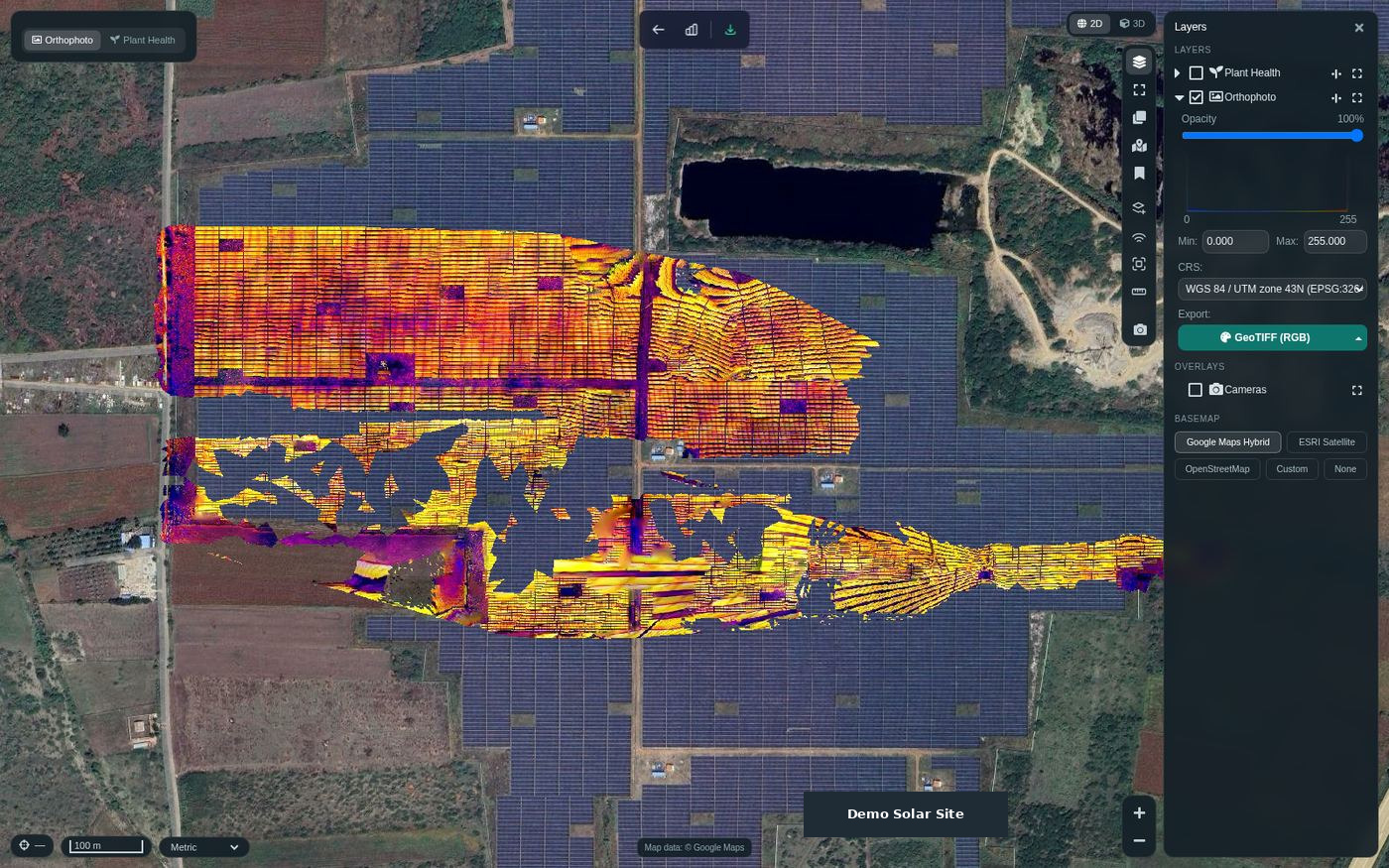
The reviewed Suite source provides image-processing tasks with orthophoto, DSM/DTM, georeferenced point-cloud and textured 3D-model review paths. Processing status, restart, task import/export and project sharing support delivery and iteration. Availability of an output depends on the configured engine, task settings and successful processing.
Use an orthophoto for plan-view interpretation, a surface model for visible elevations and a point cloud or textured model for spatial review. Where terrain is obscured, imagery alone cannot guarantee a bare-earth model. Add a suitable LiDAR or independently surveyed reference when the question requires it.
Keep quality checks connected to delivery
Record the AOI, CRS, vertical datum and control/checkpoint strategy. Inspect alignment, coverage, surface artifacts and the relevant measurement checks before accepting the result. Saved distance, area, height and volume measurements should identify their geometry and reference surface.
Start procurement or a multi-site rollout with an agreed sample: original files, expected outputs, processing-node configuration and receiving GIS requirements. The Experience Zone provides an illustrative workflow and solution report; it is not a benchmark of actual reconstruction speed or numerical survey accuracy.
Manufacturer and data references
Dataset questions
Does a higher camera frame rate always improve mapping?
No. Useful frame selection, image quality, overlap and capture geometry matter. Near-duplicate or blurred frames can increase processing load without adding useful reconstruction information.
Can the same RGB workflow produce multispectral indices?
Only indices whose required inputs are present can be computed. True NDVI needs a near-infrared channel, so visible RGB or oblique geometry alone is insufficient.