
Start with the deliverable, then choose the payload
RGB and oblique imagery support photogrammetry: orthophotos, surface models, point clouds and textured 3D review. Multispectral inputs support formulas where the required bands exist. Prepared hyperspectral bands can enter the raster analysis path after manufacturer-specific correction. LiDAR uses prepared LAS/LAZ point clouds. Thermal analysis needs radiometric values and calibration context. Satellite scenes add regional coverage and repeat observations.
These workflows can contribute to one project, but they do not share interchangeable inputs. Specify the area of interest, project coordinate system, acquisition date and required output before selecting equipment.
MicaSense, Parrot Sequoia and Sentera
For MicaSense RedEdge-P, preserve original per-band TIFFs, capture grouping, EXIF/XMP and reflectance-calibration information. Its visible, red-edge and near-infrared bands can support vegetation analysis; its panchromatic image is not an additional SWIR measurement. MicaSense Altum-PT adds a thermal channel, which requires separate radiometric handling.
Parrot Sequoia provides green, red, red-edge and near-infrared multispectral channels plus a separate RGB overview camera. That overview does not create a calibrated multispectral blue band. Confirm the exact Sequoia or Sequoia+ variant and calibration procedure. Sentera 6X configurations include registered spectral TIFFs and RGB images; thermal variants differ. Qualify the exact model, band metadata and exported files.
Hyperspectral qualification: Specim, Headwall and Resonon
Use Specim, Headwall and Resonon as sensor families to evaluate against the project requirements. Supply the actual wavelength vector, bandwidth information, dark/reference measurements and manufacturer calibration. Airborne line-scan acquisition also needs synchronized timing, GNSS/IMU and geometry correction before a map-ready raster handoff.
VNIR, SWIR and combined systems cover different regions. A hyperspectral label does not guarantee every vegetation, water or burn index. HelloGeo Suite evidence supports prepared raster band mapping; a complete native raw-cube importer and sensor-specific correction chain must be separately qualified.
Keep thermal, infrared and laser returns distinct
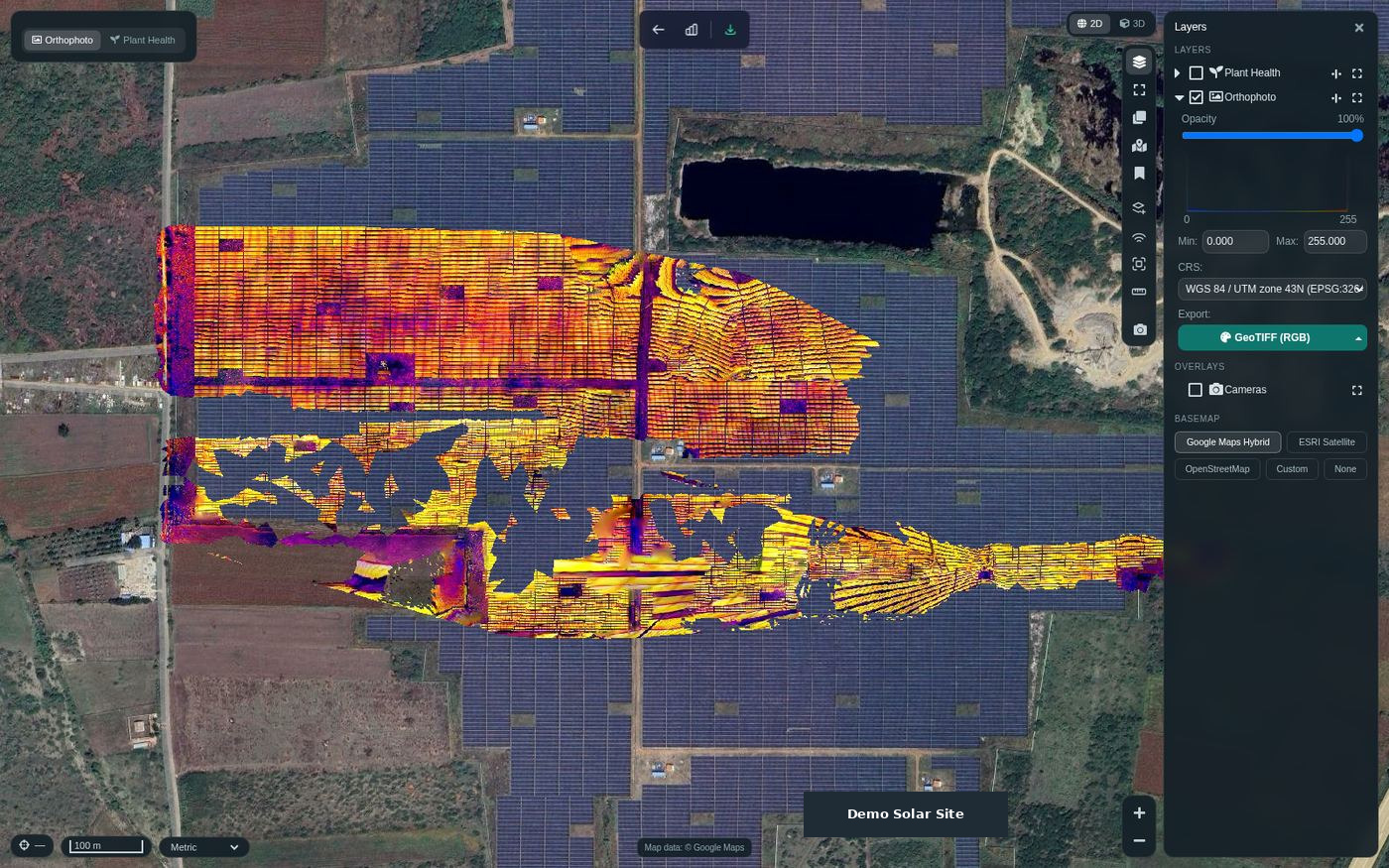
Near-infrared reflectance is different from long-wave infrared thermography. A thermal palette alone cannot establish a measured temperature: retain radiometric values, emissivity and reflected-temperature context. Likewise, a LiDAR laser wavelength is not a co-registered multispectral image band. Transfer vendor-processed LAS/LAZ with CRS, units and vertical datum for point-cloud work.
Agree a representative sample acceptance test
Send one representative dataset before scaling the deployment. Check file ingestion, band mapping, alignment, georeferencing, calibration and a small agreed output. Review raw-value and colorized raster exports separately; a useful visualization is not itself evidence of quantitative accuracy.
OEM names identify data-qualification routes, not certified partnerships or universal native integrations. Processing availability depends on the deployed Suite workers, configuration and supplied data. The Experience Zone demonstrates these choices with illustrative data.
- Retain original capture files and manufacturer metadata.
- State the intended measurement and required bands.
- Confirm export format, coordinate system and quality checks.
Manufacturer and data references
Dataset questions
Does a listed OEM name mean every camera is natively supported?
No. Qualify the exact model, firmware, files and calibration workflow with a representative sample. Prepared supported formats can provide a handoff even when an OEM raw-data connector is not available.
Can RGB images produce NDVI?
True NDVI requires red and near-infrared values. RGB display channels do not supply the missing NIR band; select a suitable multispectral or satellite dataset.