
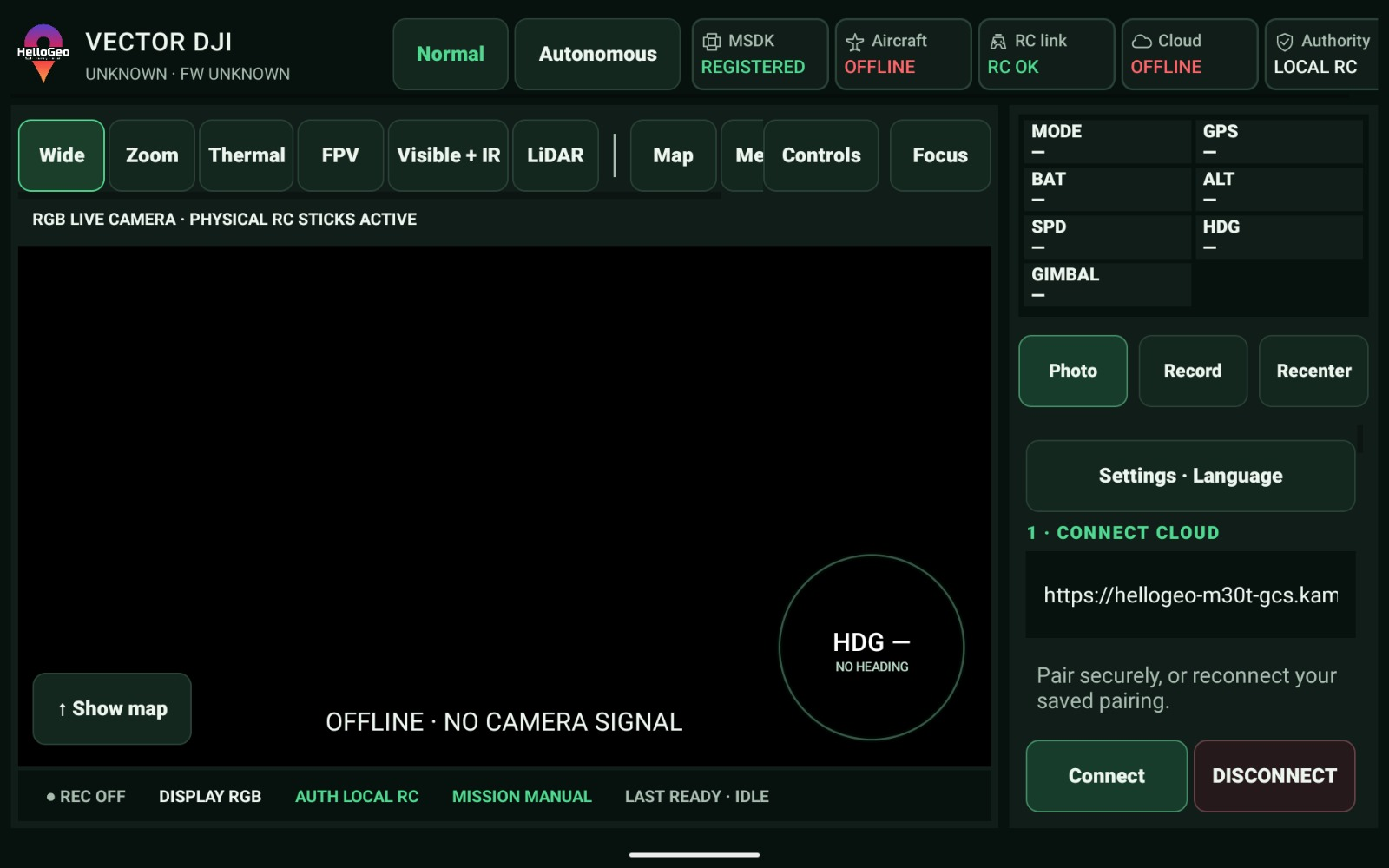
DJI RC integration
Define inputs, access requirements and acceptance criteria with the HelloGeo team before operational deployment.
Controller-side integration streams for DJI and Autel operations, connecting the field RC with the Nexus mission workspace.
The Nexus product brochure distinguishes VECTOR from the published MAVLink-based FLIGHT application.
Explore the published capability areas. Product configuration and deployment scope determine availability.
Separate DJI and Autel controller integration streams reflect the different OEM SDK and aircraft paths.
Controller-side capability and authority checks remain part of the execution workflow.
Connect field operations to the shared mission context in Nexus.
Define inputs, access requirements and acceptance criteria with the HelloGeo team before operational deployment.
Define inputs, access requirements and acceptance criteria with the HelloGeo team before operational deployment.
Define inputs, access requirements and acceptance criteria with the HelloGeo team before operational deployment.
Use Nexus to organise mission plans and reopen the reviewed version for the compatible VECTOR controller workflow. Pilot authority and aircraft readiness remain part of execution.
Single-façade, four-sided building and circular waypoint planning, with route parameters kept visible for review.
Explore planningSave, search, edit and reopen plans. Keep revisions, reuse a saved plan and exchange portable planning JSON.
Explore the libraryReview saved copies, reuse history and receipts. Check the mission revision, checksum and aircraft readiness before supported execution.
Explore mission managementYour team knows the site. We know the spatial workflow. Together, we can define a practical way forward.